
The Vibe Coding Trap. Fast Development, Expensive Mistakes, Expensive AI
The Problem With Building Things You Don’t Understand
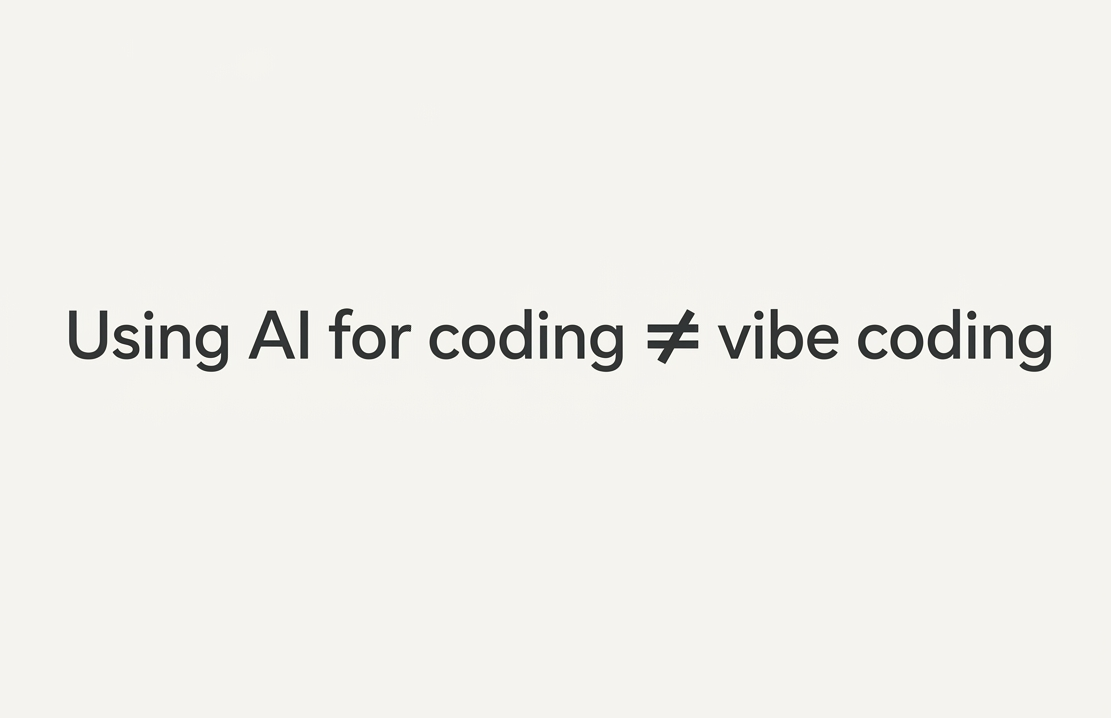
Using AI to Code Is Smart. Depending on It Isn’t.
Programming takes a long time to learn, and that’s okay.
It is completely reasonable to want to accelerate the process. For many people (for everyone?) programming can be tedious, frustrating, and overwhelming. But wanting to speed up development is very different from wanting to build an app, sell it, and profit from it without understanding what you’re actually selling.
Recently, the concept of vibe coding has become incredibly popular.
A lot of people use it as a form of flexing. They want to show that they built a SaaS in a weekend, launched an app in a few hours, or generated thousands of lines of code with AI. Some of them don’t even know what programming language the AI used.
This isn’t an attack on AI.
I use AI every day. AI can eliminate repetitive work, speed up debugging, generate boilerplate code, explain complex concepts, and help developers move faster than ever before.
The problem begins when people stop treating AI as a tool and start treating it as a replacement for understanding.
Leaving all technical decisions to AI and assuming it will always make the correct choice is a serious mistake.
That’s exactly why we’ve seen multiple examples of AI-generated applications being attacked, leaking sensitive information, exposing APIs, shipping with authentication flaws, or containing serious security vulnerabilities.
As I said, I’m not against using AI for programming.
I’m against using AI without supervision.
And I’m especially against using AI without supervision when the person building the product has no idea how the underlying technology works.
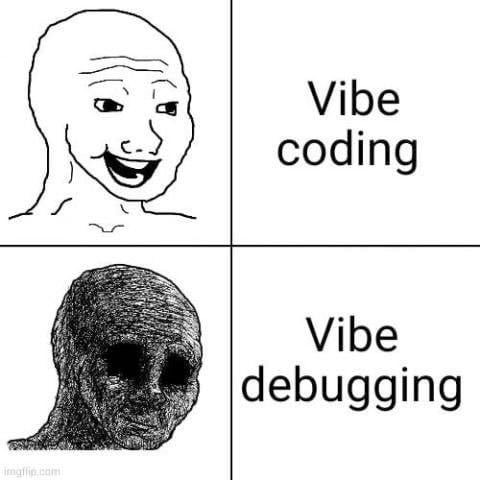
That’s why many websites and applications built entirely through vibe coding eventually fail in one of two areas:
- Design
- Engineering
Not because AI is incapable.
But because there are knowledge gaps that people refuse to fill because they want everything immediately.
The beauty of the process matters too.
Whether you’re building a website, a mobile app, a game, or a SaaS product, every successful project starts with understanding a real problem that only a human can truly recognize.
AI can help execute the solution.
But the execution must be supervised.
And most importantly, the person building the project should be willing to learn the technologies being used so that when something inevitably breaks, they know how to fix it.
Because eventually, something always breaks.
What Is Vibe Coding?
Vibe coding is the practice of building software primarily through AI prompts while minimizing direct involvement in architecture, debugging, security reviews, and implementation details.
Instead of understanding the system, the creator repeatedly asks the AI to:
- Add features
- Fix bugs
- Create integrations
- Deploy applications
- Configure databases
- Set up authentication
Without fully understanding what changes are being made.
The result often looks impressive from the outside.
Until users arrive.
The Hidden Risks of Vibe Coding
1. Security Vulnerabilities
Security is where vibe coding becomes truly dangerous.
AI can generate working code.
That does not mean it generates secure code.
Common issues include:
- Exposed API keys
- Missing authorization checks
- Insecure database queries
- Vulnerable authentication systems
- Misconfigured cloud infrastructure
- Overly permissive permissions
Many beginners trust AI-generated code simply because it works.
Attackers don’t care whether the code works.
They care whether they can exploit it.
2. Technical Debt at Scale
When developers don’t understand the codebase, every future update becomes harder.
A simple feature request can create:
- Duplicate logic
- Conflicting dependencies
- Performance issues
- Maintenance nightmares
Eventually the project becomes a collection of AI-generated patches rather than a coherent system.
3. Poor Architecture Decisions
AI can suggest architecture.
It cannot understand your business goals as deeply as you can.
It doesn’t know:
- Your budget constraints
- Your growth expectations
- Your future roadmap
- Your team’s skill level
Without human guidance, AI often produces solutions that work today but become expensive tomorrow.
4. False Confidence
This might be the most dangerous problem.
People start believing they know software development because they successfully shipped something.
Building an application is not the same as understanding software engineering.
The gap becomes obvious the first time:
- The database crashes
- The server goes down
- Users report data loss
- A security incident occurs
- An integration fails
That’s when real engineering starts.
How To Use AI Correctly as a Developer
The best developers aren’t avoiding AI.
They’re using it strategically.
AI should function as a senior assistant, not an autonomous employee.
Use AI for:
- Boilerplate generation
- Documentation
- Unit test creation
- Refactoring suggestions
- Learning new frameworks
- Debugging assistance
- Code reviews
- Performance analysis
Do not use AI as:
- Your security team
- Your architect
- Your QA department
- Your production reviewer
- Your only source of truth
Always verify what it generates.
Security Recommendations for AI-Assisted Websites and Apps
If you’re building with AI, these practices are non-negotiable.
Never Give AI Unlimited Permissions
Many AI coding tools can:
- Access repositories
- Modify files
- Run commands
- Deploy applications
Use the principle of least privilege.
Only grant the minimum permissions necessary.
Review Every Pull Request
Never merge AI-generated code blindly.
Review:
- Business logic
- Database queries
- Authentication flows
- API integrations
- Error handling
Every single time.
Keep Secrets Out of Prompts
Never paste:
- API keys
- Tokens
- Credentials
- Database passwords
- Private certificates
Into AI tools.
Treat prompts as potentially public information.
Implement Proper Authentication
Authentication is one of the most common failure points.
Always verify:
- Session management
- Authorization checks
- Role permissions
- Password policies
- Token expiration
Do not assume AI got it right.
Run Security Scans
Use tools such as:
- npm audit
- pnpm audit
- Snyk
- Dependabot
- Semgrep
- OWASP ZAP
Before every production deployment.
Validate User Input
Never trust user input.
Always sanitize and validate:
- Forms
- Query parameters
- File uploads
- API requests
AI often forgets edge cases that attackers actively search for.
Performance Recommendations
Avoid Dependency Bloat
AI loves installing packages.
Sometimes dozens of them.
Ask yourself:
“Do I really need this dependency?”
Every package increases:
- Bundle size
- Attack surface
- Maintenance burden
Measure Before Optimizing
Use:
- Lighthouse
- WebPageTest
- Chrome DevTools
Don’t optimize based on assumptions.
Optimize based on metrics.
Understand Your Stack
Learn the fundamentals.
You don’t need to become an expert overnight.
But you should understand enough to debug problems independently.
The Future Isn’t AI vs Developers
The conversation is often framed incorrectly.
The future is not:
“AI replacing developers.”
The future comes from combining human judgment with machine speed.
Humans provide:
- Context
- Creativity
- Product vision
- Decision making
- Accountability
AI provides:
- Speed
- Automation
- Pattern recognition
- Productivity
Together they are powerful.
Separately they are incomplete.
Final Thoughts
As you can see, my thoughts are not black or white. Not another AI obsessed person that makes AI their entire personality or an intense AI hater that lives in fear because of AI. I think AI is not for that. For this complex context, I think it’s important to know the limitations and the dangerous line of AI and copyright. And of course, as I mentioned before, the issue is with security and lack of soul / creativity.
The goal should never be to remove yourself from the process.
The goal should be to remove unnecessary friction from the process.
AI is one of the greatest productivity tools software development has ever seen.
But productivity without understanding is a liability.
If you’re building a website, an app, a SaaS product, etc, learn enough about the technology to understand what is happening behind the scenes.
Use AI as leverage.
Use AI as an assistant.
Use AI as a multiplier.
Just don’t outsource your thinking to it.
Because when things go wrong, AI won’t be the one responsible for fixing the problem.
You will.
So, it’s better to know when to use it and how to use it for speeding up repetitive tasks, not soul-driven and creative tasks.
In other words, the idea and the soul NEED to be crafted by the human and the execution by IA (in terms of code). Of course, in other areas like illustration, music, photography, etc, the thing changes.
My final thought about this is to really know when to use it, not in all scenarios is safe to, and its really important for people to educate more about this topic because I don’t see much people talking about it.