
Use pnpm, not npm
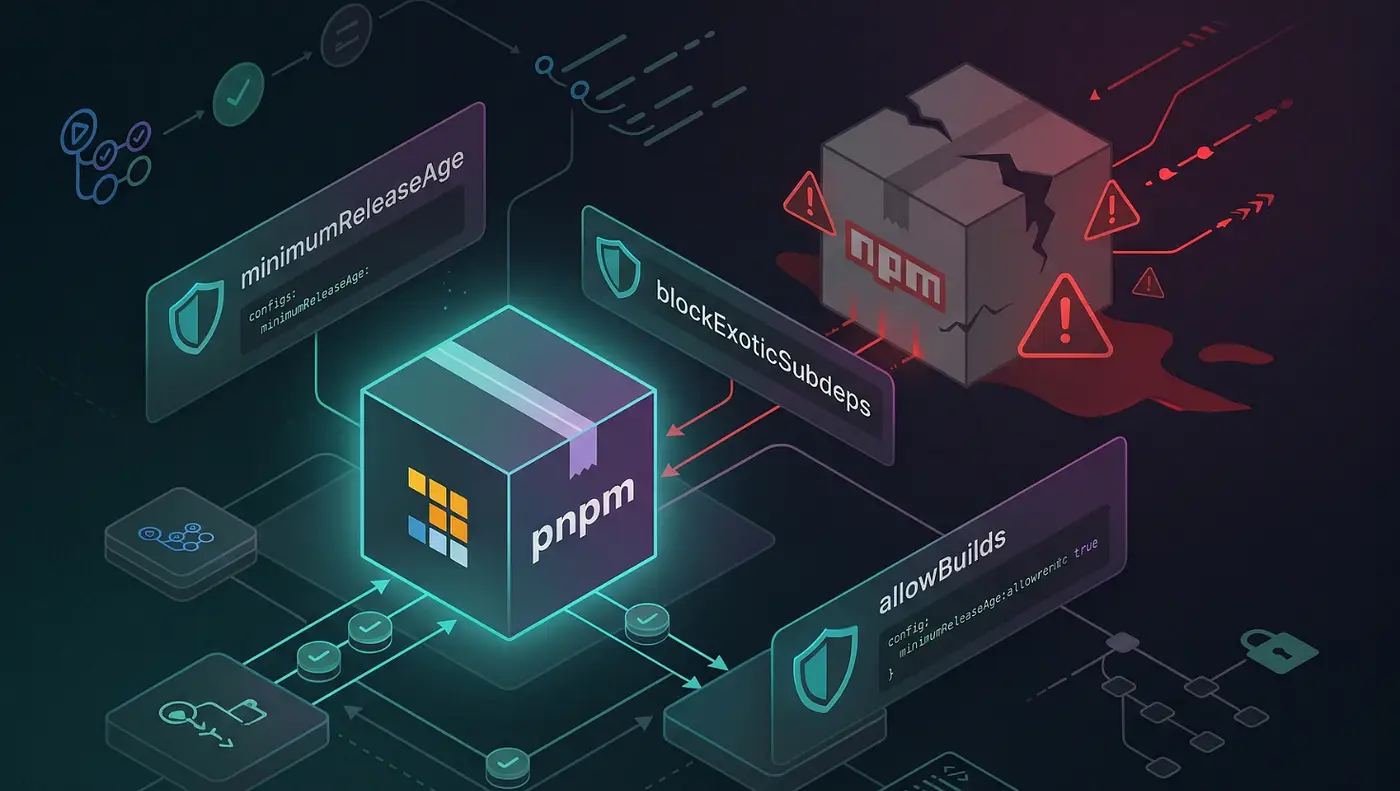
If you’re building applications with Node.js, chances are you’ve been using npm for years without thinking twice about it. It comes bundled with Node, it’s the default choice for most developers, and it’s deeply integrated into the JavaScript ecosystem.
However, the events we’ve seen throughout 2026 have made many developers—including me—reconsider whether npm should remain the default package manager in our daily workflow.
Recent supply chain attacks have compromised popular npm packages such as Axios, @antv packages, TanStack packages, SAP packages, and many others. In several cases, attackers gained access to maintainer accounts and published malicious versions capable of stealing credentials, API keys, cloud secrets, and CI/CD tokens.
While these incidents are not npm’s fault alone, they highlight a broader issue: modern JavaScript applications often depend on hundreds or thousands of third-party packages, making supply chain security more important than ever.
For that reason, I’ve been increasingly using pnpm instead of npm.
What Is pnpm?
pnpm is a fast, disk-efficient package manager for Node.js.
Unlike npm, which creates a separate copy of dependencies for each project, pnpm uses a global content-addressable store and links dependencies into projects. This approach dramatically reduces disk usage and installation times.
But performance is only part of the story.
The real reason many developers are adopting pnpm is that its dependency management model is much stricter and helps expose dependency issues that npm often hides.
Why pnpm Is Better Than npm
1. Faster Installations
pnpm stores packages only once on your machine.
If ten projects use React, pnpm doesn’t download React ten times. Instead, it references the same package from a global store.
Benefits:
- Faster installs
- Less bandwidth usage
- Reduced disk consumption
- Better CI/CD performance
For large monorepos, the difference becomes even more noticeable.
2. Significantly Lower Disk Usage
One of npm’s biggest weaknesses is duplicated dependencies.
A developer working on multiple projects can easily waste several gigabytes storing identical packages repeatedly.
pnpm solves this by sharing dependencies across projects.
On a machine with dozens of repositories, the storage savings can be substantial.
3. More Predictable Dependency Resolution
One of the most underrated benefits of pnpm is its strictness.
npm often allows packages to access dependencies that were never explicitly declared.
This can create situations where code works on one machine but breaks elsewhere.
pnpm enforces proper dependency declarations.
If a package depends on another package, it must explicitly declare it.
This leads to:
- Cleaner projects
- Fewer hidden dependencies
- More reliable builds
- Easier debugging
4. Better for Monorepos
If you’re using:
- Turborepo
- Nx
- Changesets
- Large workspace architectures
pnpm is arguably the best package manager available today.
Workspace support is fast, mature, and incredibly efficient.
Many modern teams building large-scale applications have standardized on pnpm for this reason.
5. Security Awareness
Let’s be clear: switching to pnpm won’t magically stop malicious packages.
If a package itself is compromised, both npm and pnpm can install it.
However, pnpm’s stricter dependency model reduces some classes of dependency confusion and hidden dependency issues that can make supply chain attacks harder to detect.
Given the growing number of malicious packages, typosquatting attacks, compromised maintainer accounts, and poisoned dependency chains appearing in the npm ecosystem, adopting stricter tooling is a reasonable step toward improving overall project hygiene.
Common npm Commands and Their pnpm Equivalents
If you’ve used npm for years, migrating to pnpm is surprisingly easy.
Install pnpm
npm install -g pnpmOr with Corepack:
corepack enable
corepack prepare pnpm@latest --activate
Create a Project
npm:
npm create vite@latestpnpm:
pnpm create viteInstall Dependencies
npm:
npm installpnpm:
pnpm installor simply:
pnpm iInstall a Package
npm:
npm install reactpnpm:
pnpm add reactInstall a Development Dependency
npm:
npm install -D typescriptpnpm:
pnpm add -D typescriptRemove a Package
npm:
npm uninstall reactpnpm:
pnpm remove reactUpdate Dependencies
npm:
npm updatepnpm:
pnpm updateRun Scripts
npm:
npm run dev
npm run build
npm run lint
pnpm:
pnpm dev
pnpm build
pnpm lint
No need for the extra run keyword.
Execute a Package
npm:
npx eslint .pnpm:
pnpm dlx eslint .This is one of the commands you’ll use most often after switching.
Check Outdated Dependencies
npm:
npm outdatedpnpm:
pnpm outdatedAudit Dependencies
npm:
npm auditpnpm:
pnpm auditRegular audits are highly recommended regardless of which package manager you use.
Additional Security Tips for Node.js Developers
Switching to pnpm is a good start, but security requires more than changing package managers.
I recommend:
- Enabling two-factor authentication on GitHub and npm.
- Reviewing dependencies before installing them.
- Using lockfiles consistently.
- Running dependency audits regularly.
- Avoiding unnecessary dependencies.
- Pinning versions for critical packages.
- Monitoring security advisories.
Recent attacks have shown that even highly trusted packages can become attack vectors when maintainer accounts are compromised.
Final Thoughts
npm remains the standard package manager in the Node.js ecosystem, and millions of projects depend on it every day.
But if you’re starting a new project in 2026, I believe pnpm is the better default choice.
You get:
- Faster installations
- Lower disk usage
- Better monorepo support
- Stricter dependency management
- A more predictable developer experience
The recent wave of npm supply chain attacks has reminded us that developer tooling matters. While no package manager can eliminate security risks entirely, adopting tools that encourage better dependency practices is one of the simplest improvements we can make.
For me, that tool is pnpm.